How to Make a World Cup 2026 AI Fan Photo in 30 Seconds
Turn any selfie into a cinematic World Cup 2026 stadium photo in under 30 seconds. No design skills, no software — just your face and the result.
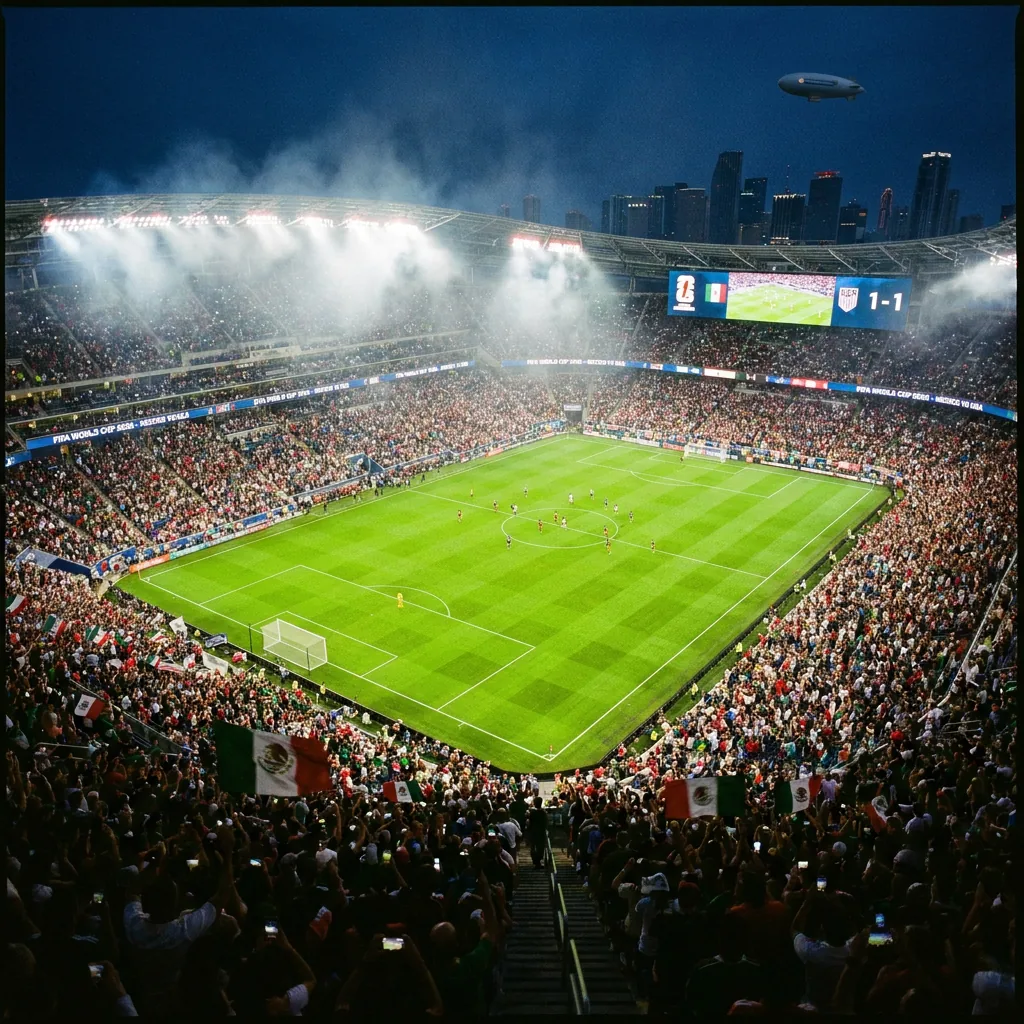
The FIFA World Cup 2026 is officially underway — 48 nations, 104 matches, hosted across the USA, Mexico, and Canada through the final on July 19. If you want to post match-day content that actually gets noticed, the window to create it is right now.
Football Magic turns any portrait photo into a stadium-quality AI football image in under 30 seconds. This guide shows you exactly how to do it, step by step.
What You Need
- Any recent photo of yourself — a selfie, portrait, or full-body shot
- A phone or laptop with a browser
- Nothing else — it works right in your browser, no app download required
Step 1: Choose Your Country
Head to worldfootballmagic.com and open the Effects Studio. The first thing you'll see is a country selector — this sets the jersey colour, stadium theme, and flag overlay for your AI photo. Football Magic supports all 48 World Cup 2026 nations — from giants like Argentina, Brazil, France, and England to debutants like Curaçao, Cape Verde, Jordan, and Uzbekistan, each with its own dedicated effects page.
Pick the country you're supporting. You can change it later.
Step 2: Pick an AI Effect
There are four main effect types to choose from:
- Jersey Edit — AI dresses you in the national team kit with realistic fabric texture
- Stadium Scene — places you in a packed match-day stadium with floodlights and crowds
- Player Card — generates a FIFA-style stats card with your face on it
- Cinematic Reel — animates your photo into a 15-second match-day video clip
For a first try, the jersey edit or stadium scene gives the most dramatic result on a single photo. Scroll the Trending Now row to see what's most popular right now.
Step 3: Upload Your Photo
Tap any effect card to open the creation panel, then upload your photo. The AI works best with:
- A clear, well-lit portrait or upper-body shot
- A plain or simple background (the AI replaces it anyway)
- Your face visible and forward-facing
- No heavy filters or extreme angles
A typical phone selfie or casual portrait photo works perfectly. You don't need a professional photo.
Step 4: Generate and Download
Tap Generate. Most effects are ready in 20-45 seconds. Video reels take up to 90 seconds.
Once your AI photo is ready, download it in HD — no watermarks. Share directly to Instagram, TikTok, WhatsApp, or anywhere else. The output is sized and optimised for social sharing out of the box.
Tips for the Best Result
- Good lighting makes the single biggest difference — bright, even light gives the most realistic result
- A neutral or plain background helps the AI isolate your face and body more accurately
- For player cards, use a portrait (head and shoulders) shot
- For stadium scenes, a full-body or three-quarter shot works better
- Try 2-3 different effects — what looks best varies by photo
When to Post for Maximum Reach
The best time to share World Cup fan content is in the 2-3 hours before each match kicks off and in the 30-60 minutes after the final whistle. Match-day posts consistently outperform pre-scheduled content across Instagram, TikTok, and Twitter.
Build your photo in advance, save it, then post it the moment the pre-match buzz starts. The tournament runs through July 19 — that's weeks of match-day posting opportunities still ahead.
Free Credits
Football Magic gives you 5 free credits on your first visit — enough to create one photo effect. Each photo effect costs 5 credits; each video reel costs 20. For more throughout the tournament, the Pro subscription gives you 150 credits per week (30 photo effects or 7 video reels), or buy a one-time credit pack.
The free credits are enough to try one photo effect instantly; for regular match-day sharing across the group stage, a credit pack or the Pro plan keeps you topped up.